
Record train travel
Save a route using the location data received and revisit the journey behind the window views.
Record your rail journeys
A scenic train ride or a day of connections. Save your route and look back on the journey by rail.
Record your journey with WayLogFor iPhone · Free to download

When WayLog can help
Remember where the train went alongside station names and window-view photos. Your route helps bring back the journey.
Save a route using the location data received and revisit the journey behind the window views.
Review the stretches you recorded on a map, even when your trip included several rides.
Search by date or your own tags to revisit a favorite train journey.
Before your first trip, check compatibility and the settings you need.
Check the necessary settings and begin recording before traveling.
Enjoy the views and connections. Underground sections and tunnels may leave gaps in your record.
Stop recording and check the saved route on the map.
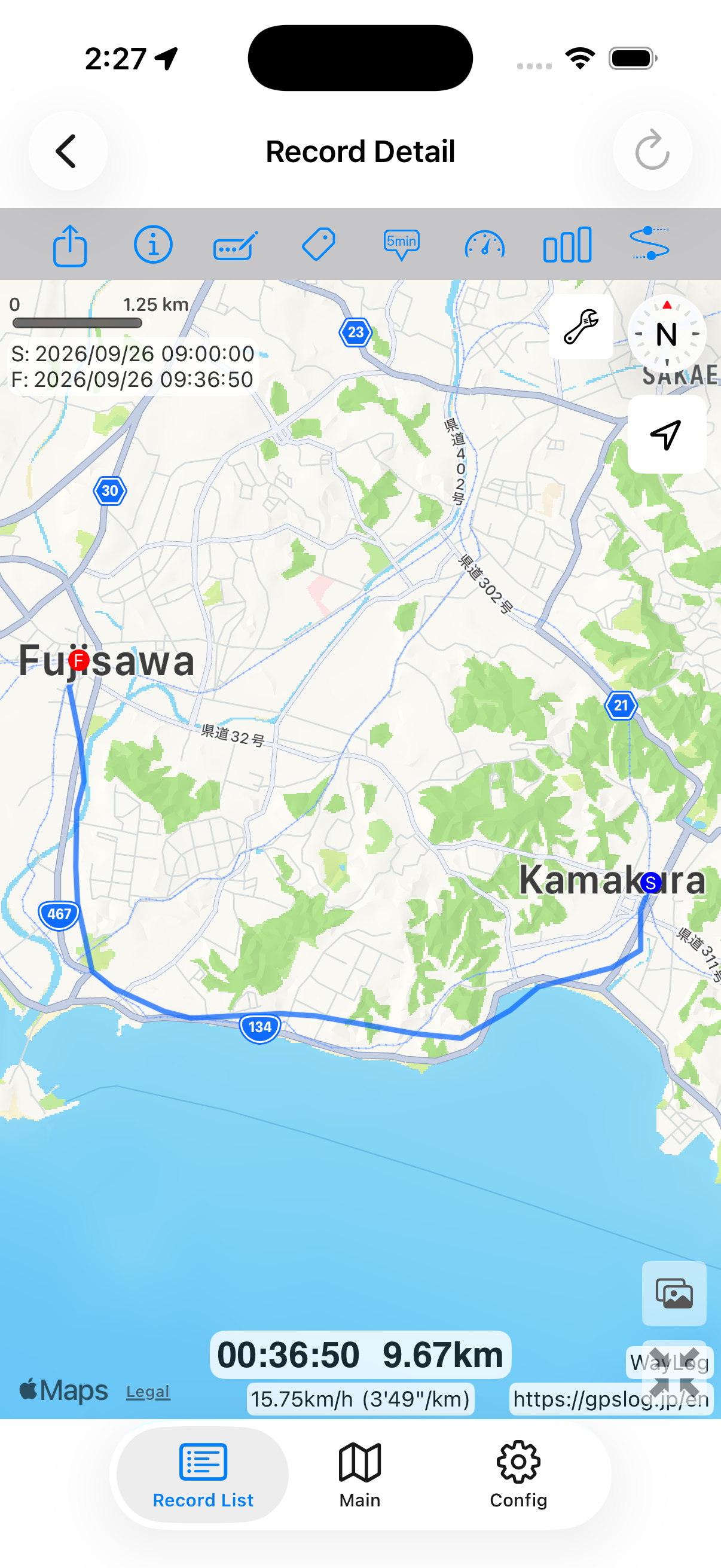
Look back on the map
Keep a train journey on a map. Sections without GPS reception, such as tunnels, may have gaps or location errors.
A fictional example showing how a record looks. It is not an actual journey or measured distance.
A closer look at your journey
Where did you head, and what did you pass? Review the travel record alongside photos and trip notes.
Keep records your way
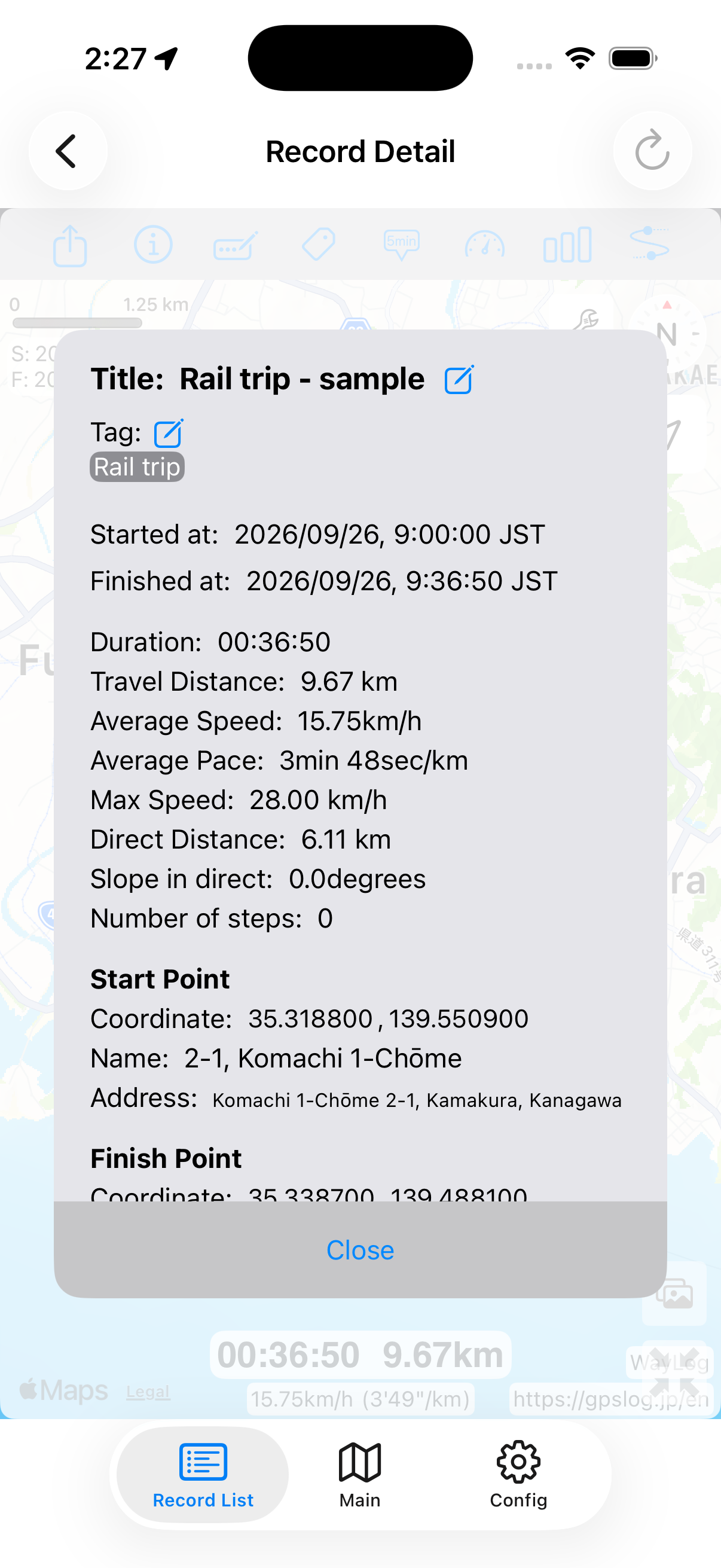
Add your own tags, such as a line name or Rail travel. Use titles and notes for details of the day's journey.
Example tags you can add yourself
An example of how to organize records. You choose your own tags; they are not assigned automatically.
Poor GPS reception underground or in tunnels can cause missing points or location errors. A complete and accurate route is not guaranteed.
This page does not describe automatic detection of train or line names. Add the details yourself in titles, notes, or tags.
WayLog is free to download and use. Check the App Store and the app for optional features and purchase terms.
No. WayLog cannot recreate a route traveled before recording started. Begin recording before the journey you want to save.
Everyday trips and roads you have never traveled.
Your own records, ready to revisit.
For iPhone · Free to download