
Review the route you took
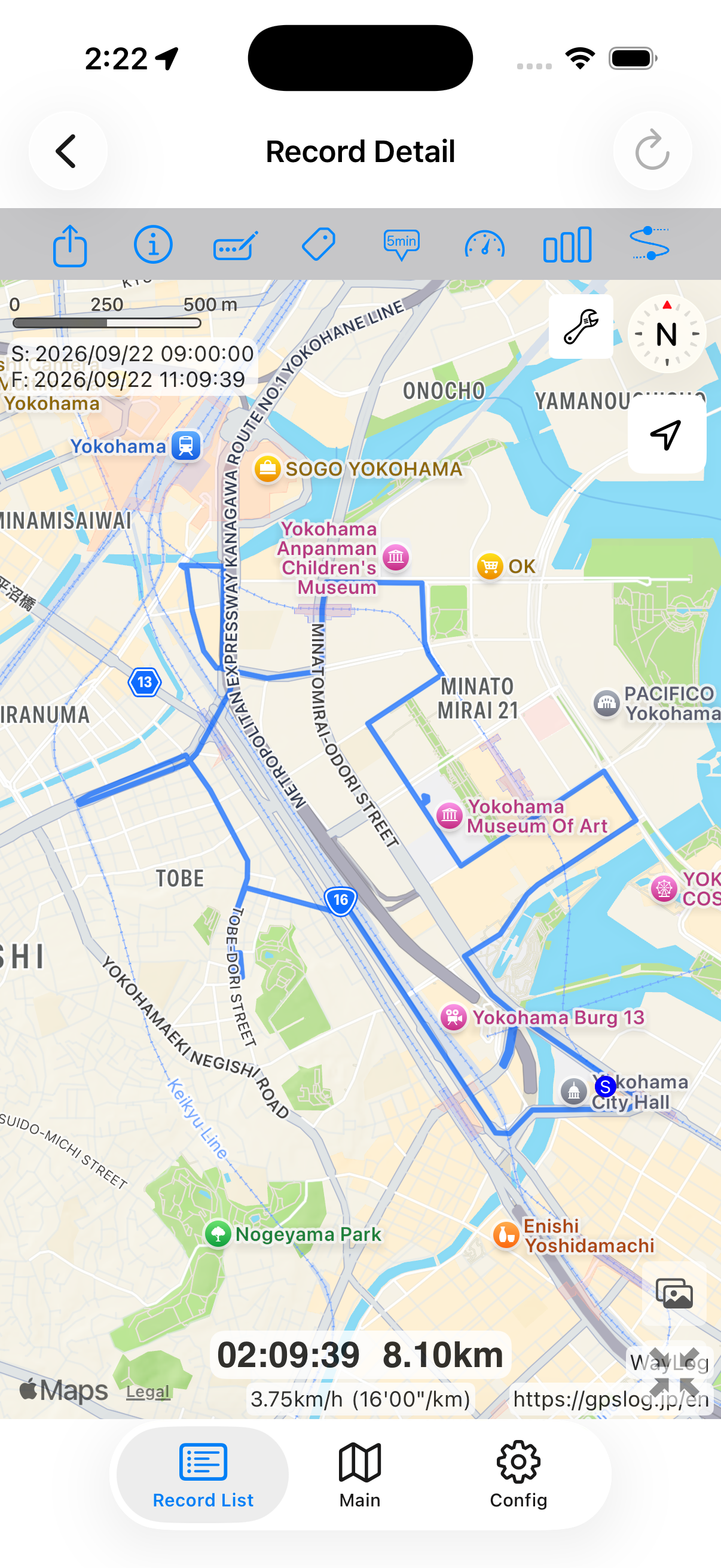
After your visits, see the day's travel on a map. Combine it with visit notes to recall your activities.
Record work and client visits
A day of many visits or a long stretch on the move.
Save routes and distance,
then look back on the day.
For iPhone · Free to download

When WayLog can help
Once your work is done, it can be hard to recall the order of your stops. Record your travel with WayLog and review the route on a map.
After your visits, see the day's travel on a map. Combine it with visit notes to recall your activities.
See the distance you recorded, even on busy days, and get a clearer picture of your travel.
Search by date, keyword, or tag. Find earlier work trips or days spent in the same area.
Check the settings you need and begin recording before the journey you want to save.
Check location access and other settings, then begin recording before your first visit.
Travel on foot, by train, or by car while your route is recorded.
Stop recording when travel is done. Review the route and add a title, notes, or tags as needed.
Look back on the map
After morning and afternoon visits, review the whole day's route. Distance and route records can help fill in your daily notes.
A fictional example showing how a record looks. It is not an actual journey or measured distance.
Find records as your collection grows
Search past records by date range, keyword, or tag. Tags such as Client visits or East area help you find the record you need.
Add your own titles and notes with details you want to remember. Keep the day's travel and useful reminders together.
Make daily travel your own record
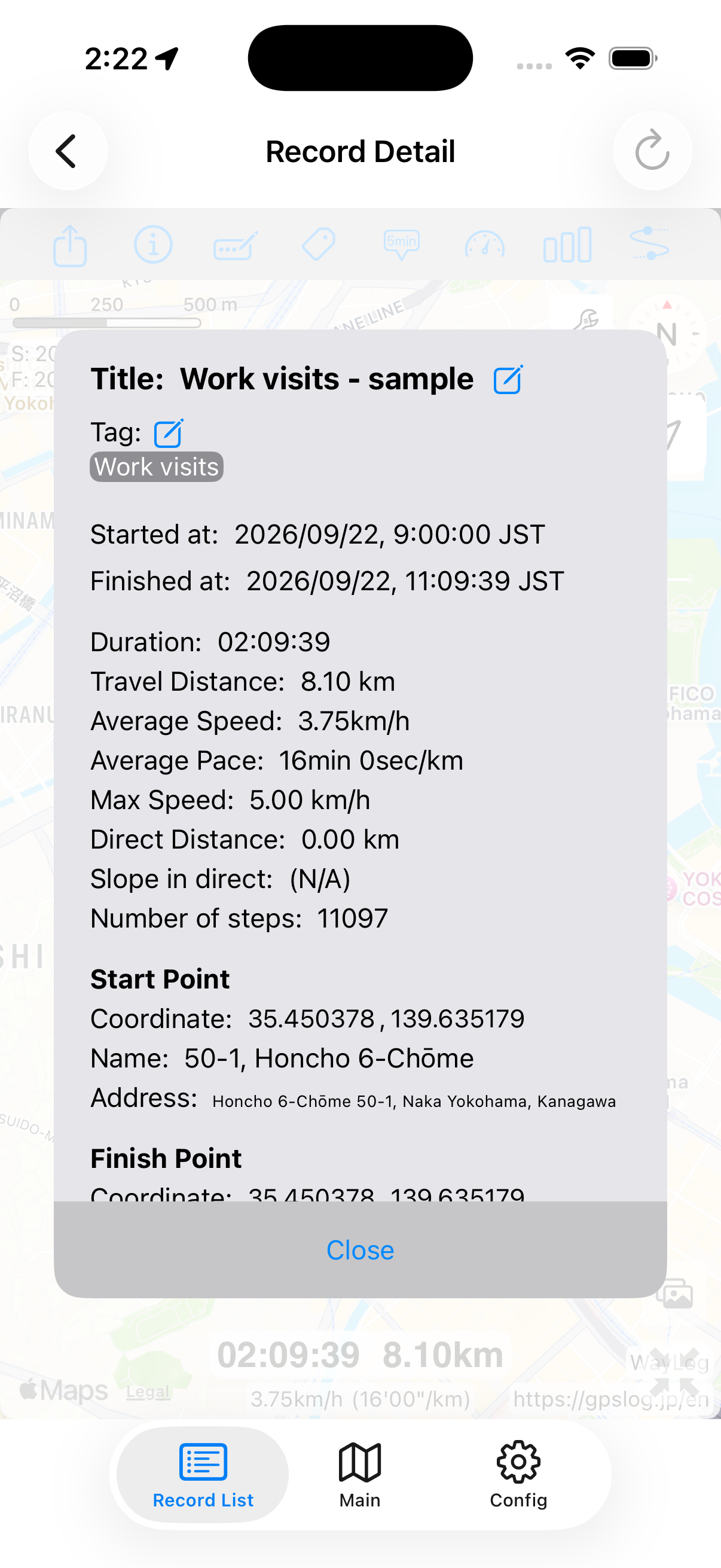
Check the addresses where recording began and ended. Use them with the route on the map to remember the day's travel.
Clues to revisit your trip
A website illustration explaining start and finish locations. It does not automatically identify stops along the way.
WayLog records your travel. It does not automatically identify visits or activities. Add those details yourself in a title or note.
Records can help you review travel, but WayLog does not automatically determine attendance or process expense claims. Follow your organization's procedures.
No. Travel before recording began cannot be recreated. Start recording before the journey you want to save.
WayLog is free to download and use. Check the App Store and the app for optional features and purchase terms.
Busy days on the move and familiar roads alike.
Your own records, ready to revisit.
For iPhone · Free to download