
Remember the places
and the paths between them.
Record your travel route on iPhone.
Look back on walking routes and distance on a map.
For iPhone · Free to download

The paths between your photos:
do you remember them?
Travel photos remain, but it can be surprisingly hard to remember the route to the next place.
An unexpected alley or a riverside path you explored. Save the route with WayLog and revisit the memories between your photos.
AI-generated image  AI-generated image
 Start before you leave.
Review when you get home
Check the necessary settings before your first use. Start recording before your travel begins.
- 1
Start recording
Begin in WayLog before departure.
- 2
Enjoy the trip
Travel while enjoying sightseeing and detours.
- 3
Look back on the route
Stop recording after arrival, then revisit walking routes and distance on a map.
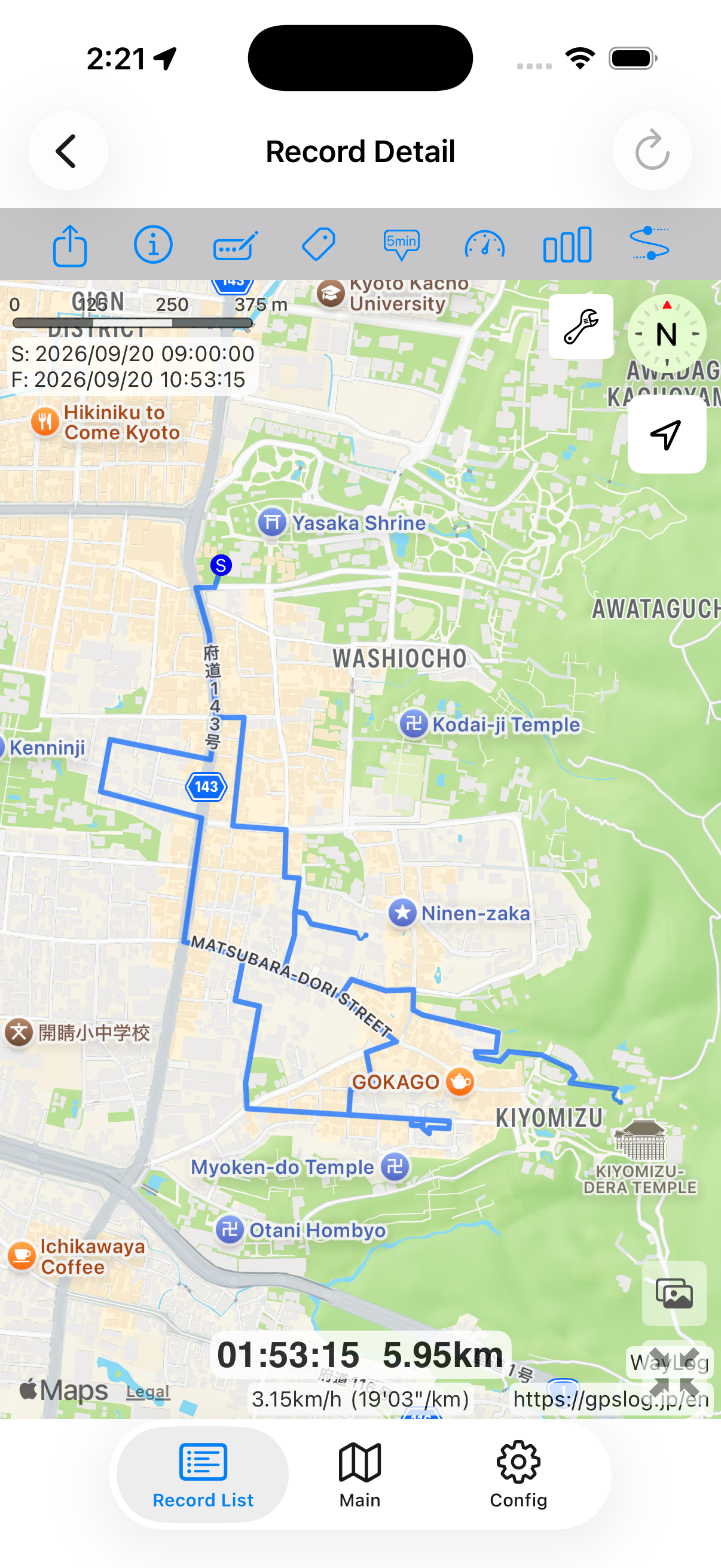
A day's travel,
on one map.
From the station to exploring, lunch, and the way home. Look back on the places you visited and the paths connecting them.
A sample showing how a record looks. It is not an actual travel log.
- Leave the station
- Explore the town
- Lunch
- Head home
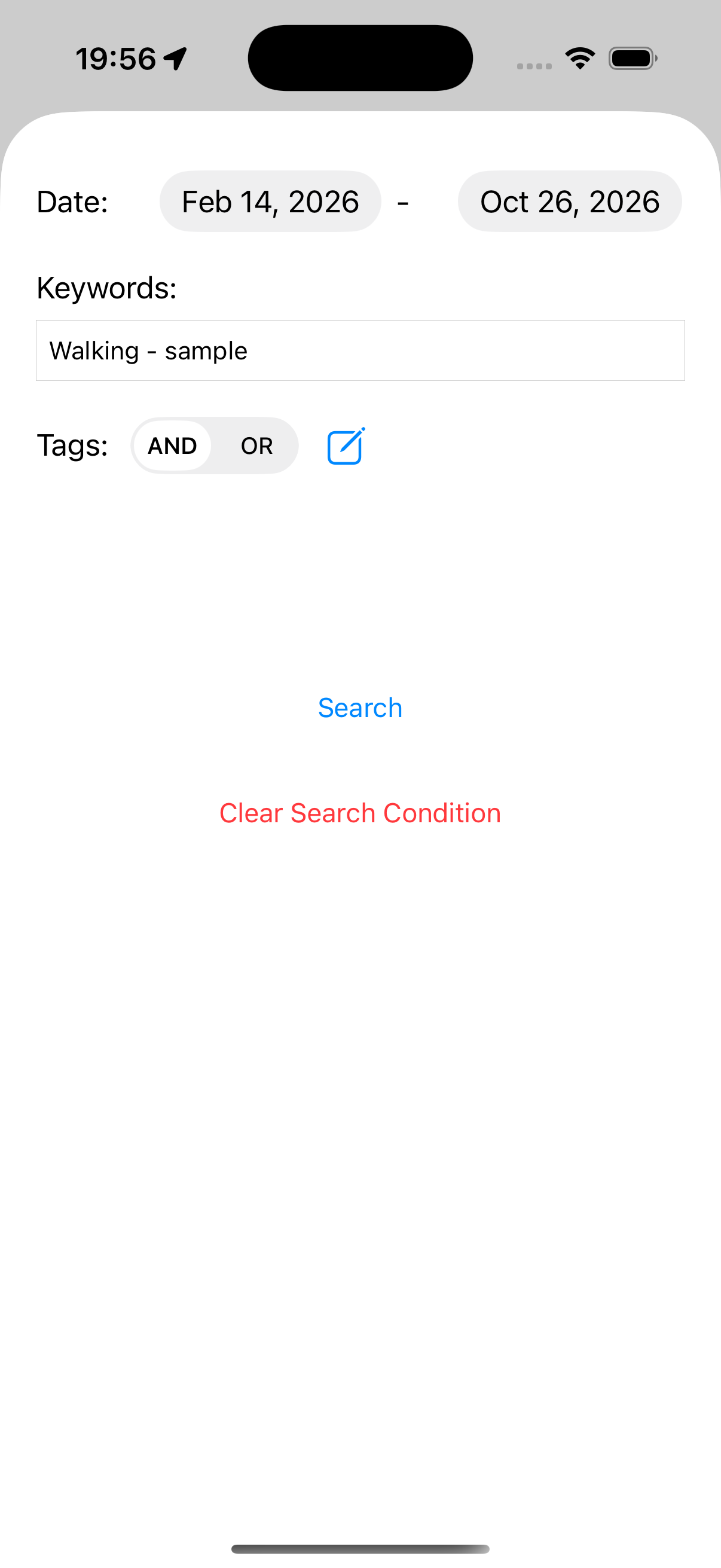
Use the date
to find that trip.
As your collection grows, use the date of a trip to find it. Look back on the journey you took that day.
Use with photos
and a travel journal.
Photos preserve the view. A journal keeps your thoughts. WayLog saves the path that brought you there.
Revisit them together to bring your travel memories to life.
 AI-generated image
 Frequently asked questions
Can I try it for free?
WayLog is free to download and use. Check the App Store and the app for optional features and purchase terms.
Can I record train and car travel?
Yes. You can record routes by train or car as well as on foot. Poor GPS reception underground or in tunnels may leave gaps in your record.
Can it recover a route from before I started recording?
No. WayLog cannot recreate a route traveled before recording began. Start before the journey you want to save.
On your next trip,
save the journey, too.
A day trip or a walk through a new town.
Make your next outing a record you can revisit.
For iPhone · Free to download