
Record your photo walk
Save the streets and paths you explored, then see where you went.
Record your photo walks
A town explored with a camera, or a day spent searching for a view. Save your route and revisit the day alongside your photos.
Record your journey with WayLogFor iPhone · Free to download

When WayLog can help
The streets you explored for a view, and the trip to your next photo spot. A map helps recall the routes your pictures do not show.
Save the streets and paths you explored, then see where you went.
Find the travel record from your shoot date to bring back the day's route.
WayLog supports GPX import and export. Check the receiving tool's requirements and settings before using a file.
Before your first trip, check compatibility and the settings you need.
Get your camera and gear ready, then start recording before you begin traveling.
Walk and travel between photo spots while your route is recorded.
Stop recording. Match the dates of your pictures and travel records to revisit the day.
Look back on the map
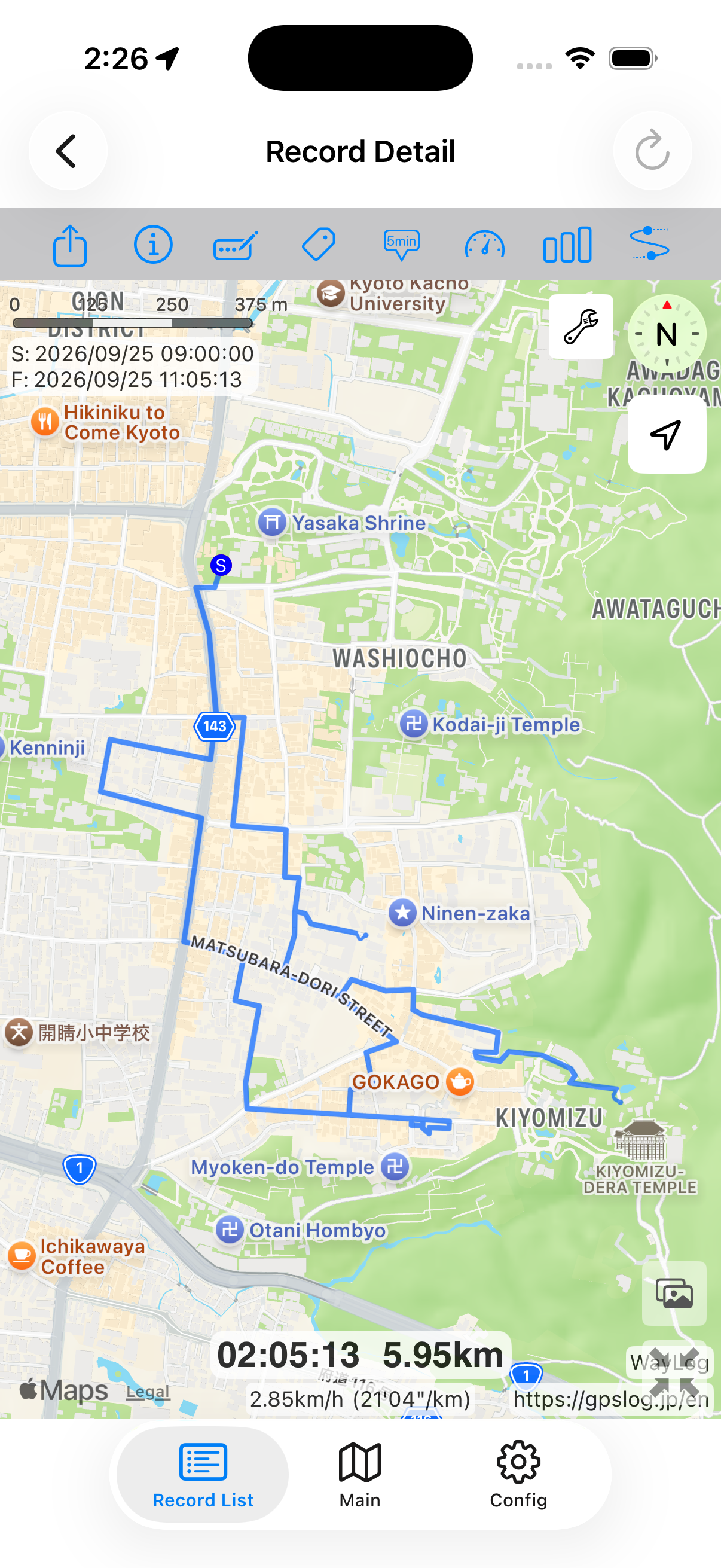
See the path from the station to a photo spot and the streets you explored along the way. Revisit the day's route alongside your pictures.
A fictional example showing how a record looks. It is not an actual journey or measured distance.
A closer look at your journey
Photos capture a view; a travel log saves the path that got you there. Revisit the two together.
Keep records your way
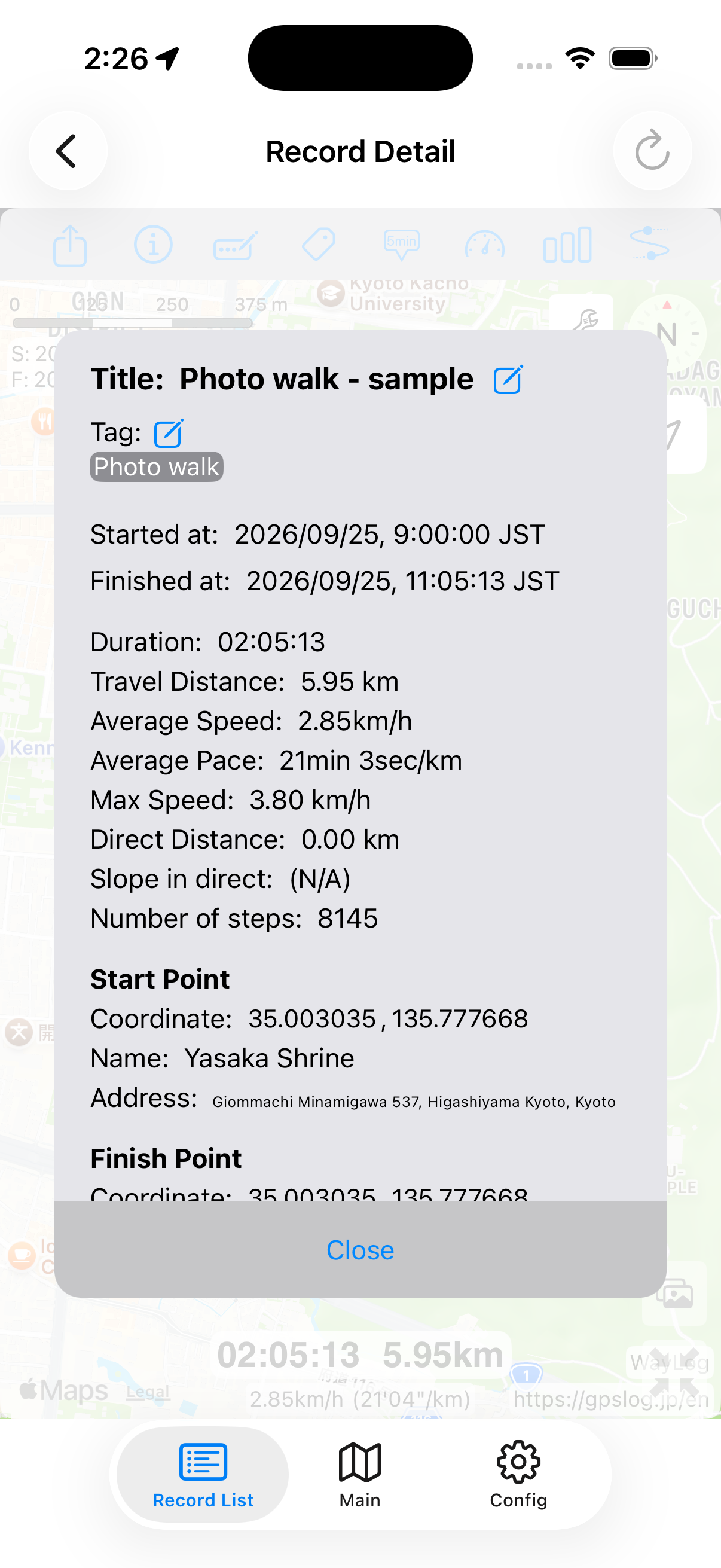
Add tags or notes such as City scenes or Photo walk yourself. Make the day's travel easier to find later.
Example tags you can add yourself
An example of how to organize records. You choose your own tags; they are not assigned automatically.
This page describes keeping photos and route records separately and reviewing them together. It does not promise automatic photo import or automatic location tagging.
GPX import and export are supported. Check your software's supported formats, import process, and photo timestamp settings.
WayLog is free to download and use. Check the App Store and the app for optional features and purchase terms.
No. WayLog cannot recreate a route traveled before recording started. Begin recording before the journey you want to save.
Everyday trips and roads you have never traveled.
Your own records, ready to revisit.
For iPhone · Free to download